



i’ve loved modeling ever since i started learning blender seven years ago. i model almost every day, for work and for fun. somewhere along the way i started wishing i could pick and choose the best parts of all the software and games i love, like blender, zbrush, animal crossing new horizons, flipnote studio’s paint, minecraft, and substance designer, and condense them down into one admittedly not-so-simple app.
i went looking for a touch-first low-poly modeler with the kind of creative constraints that make me feel artistically safe, while still having everything i’d need to actually finish a model for a game or a diorama. nothing felt right. i wished there was something like animal crossing, but a place where we could all share our designs and build our own little rooms and spaces and stories, like picking miniatures off a shelf and borrowing them for our dollhouses. and i kept thinking about how sometimes i just need to model and texture one small thing for a game, and wondered if i could do it without sitting at my desk opening and closing five programs.
i wanted something in between, mostly for myself, and figured other people probably wanted it too.
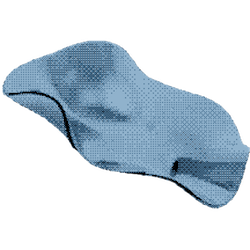
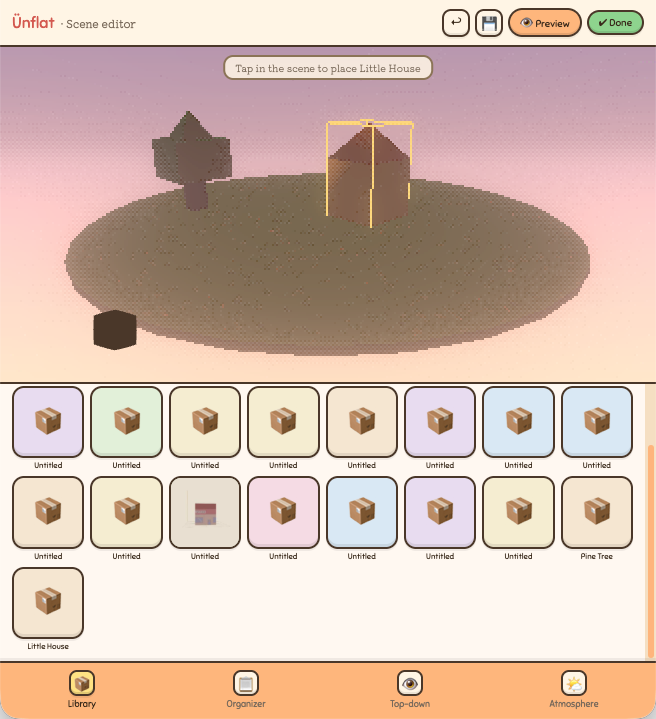
ünflat is a touch-first low-poly modeler. you start by stacking primitives (cubes, spheres, cylinders), and they snap together as you go. then you grab a ring around it and nudge it wider or thinner to shape it, pull faces to grow new shapes out of it, and paint it. when it’s done you export a real .obj you can bring straight into blender, unity, or unreal. it runs on tablets and phones (android and iOS), so the whole thing happens on the couch or in line at the DMV. the low-poly look is on purpose; high-res work on a screen this size just looks bad, and the chunky style is the point anyway.
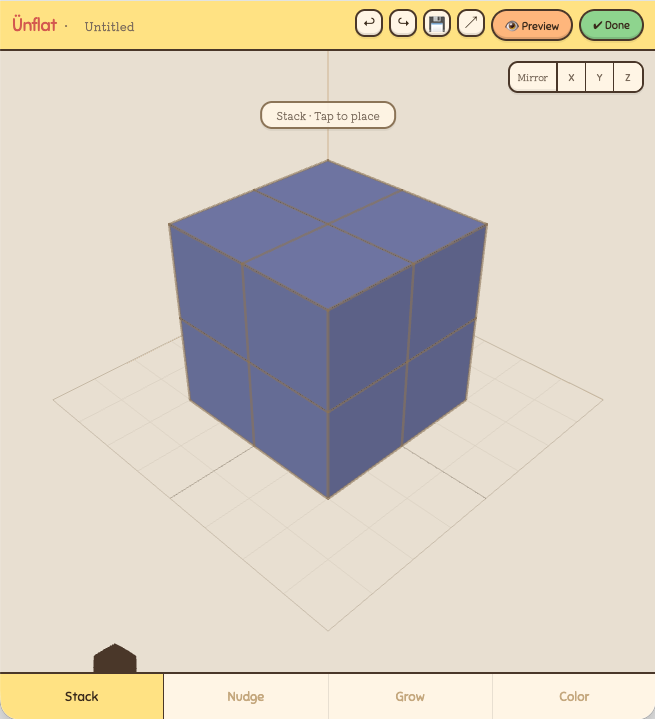
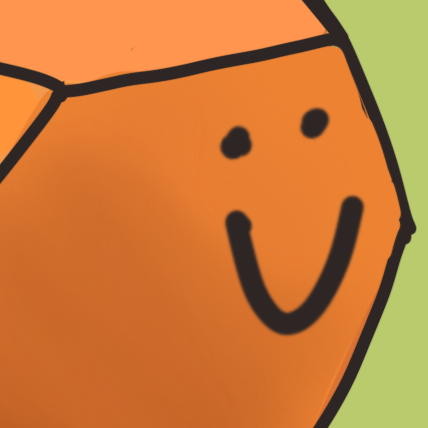
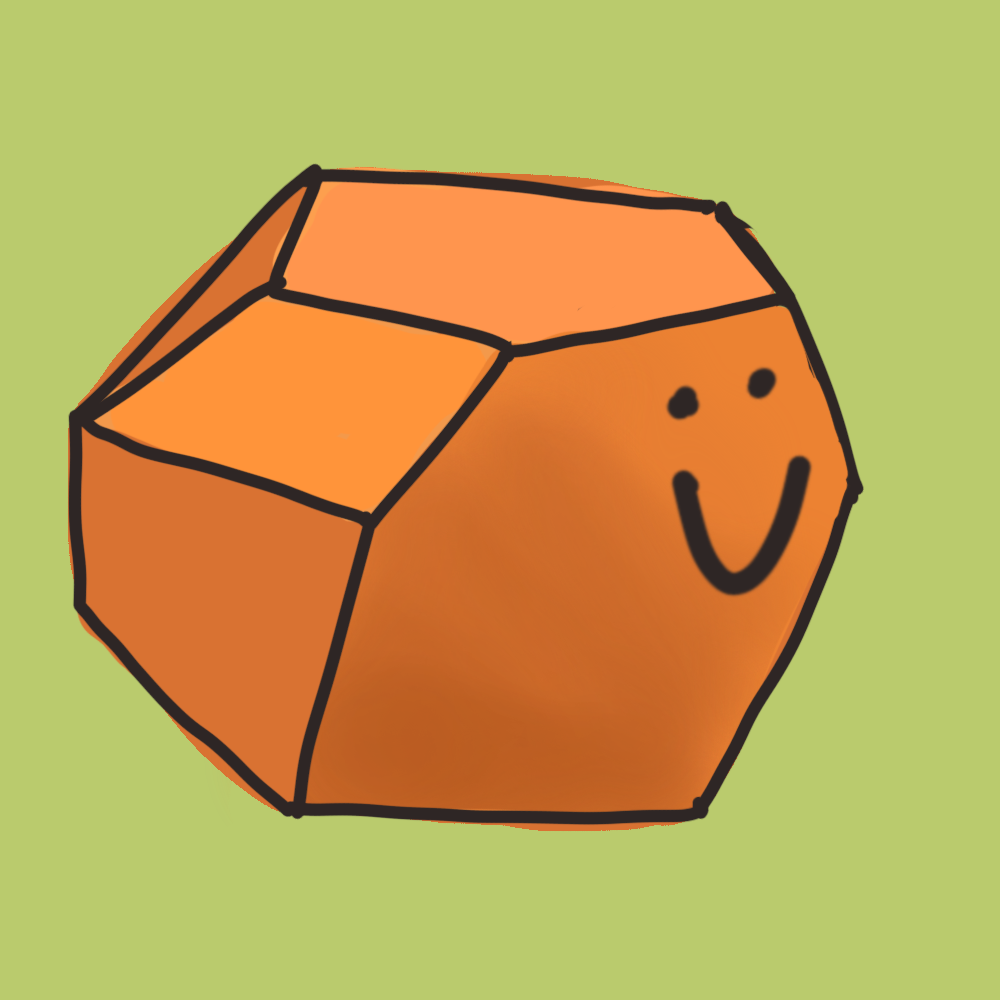
the things you make are called meshlings. the name’s the pitch too. the umlaut makes Ü look like a word from a language you don’t speak, and then it clicks: un-flat. and everything you make gets rendered in one of two retro styles, a nintendo ds look and a psx look, so your meshlings come out looking like toybox lofi instead of a flat grey blob.
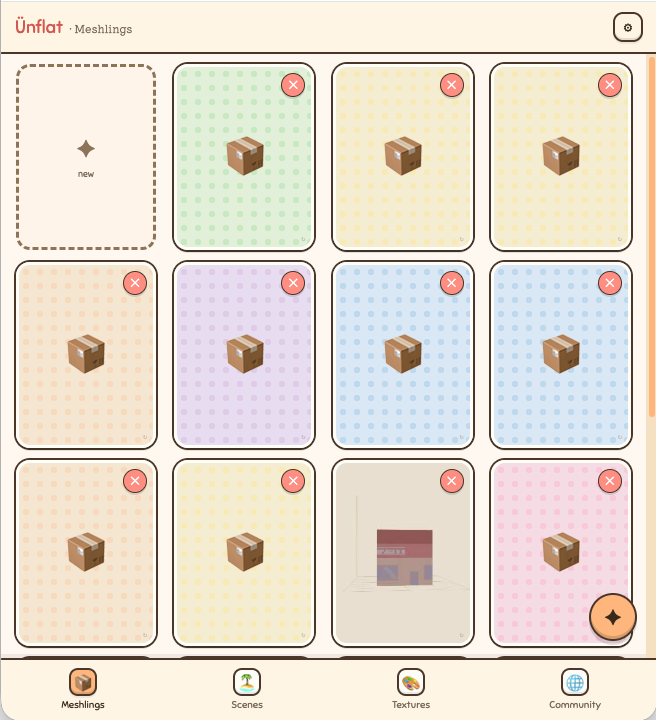
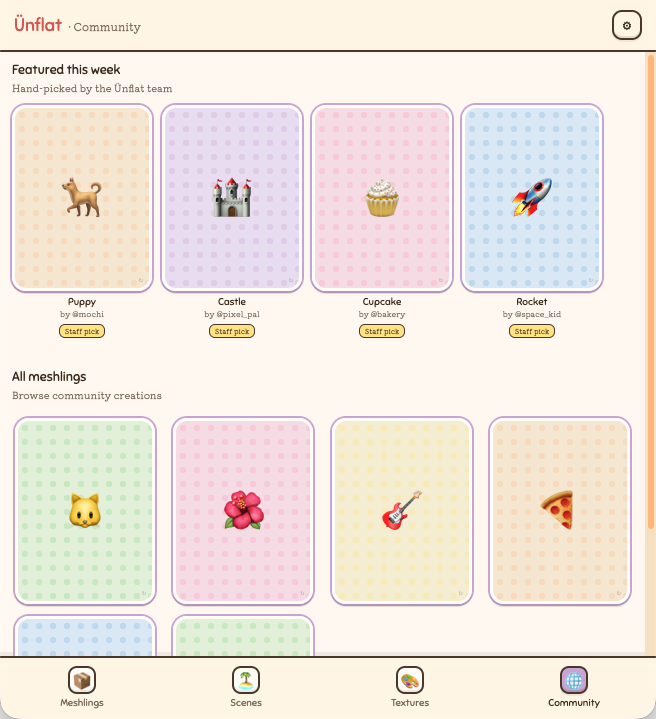
it’s for people who want to make their own little diorama: model it, paint and texture it, and then not just share it, but pull other people’s meshlings into their own library and build whole scenes out of them, all rendered in that toybox ds or psx style. there are community challenges and tutorials too, so you can see everyone’s take on the same prompt and add those meshlings to your library as well. and on the game dev side, it’s for people who want to handcraft simple low-poly models for their games and export a textured model straight into whatever engine they’re using.
what’s in it now
- the core loop: stack primitives, shape them into a meshling, and export the result as an .obj
- a scene editor, so your meshlings can share a space instead of floating alone
- the two retro renderers: the nintendo ds and psx toybox looks
- easy mode: a gentler, geometry-first way in, where you tap the part you want to change and a context card shows your options. this is the part i’m heads-down debugging right now
- the whole look: accessible modeling software with a tomodachi / mario-maker vibe
what’s coming
- paint mode: texture painting directly on your meshlings
- photo mode: create lofi/psx-esque textures using low res photos you take with your device camera
- tutorials: guided builds, so you learn by making instead of reading
- community challenges: put your spin on a shared theme, then see what everyone else made
- android, iOS, and iPadOS app launch